For many traders, the MT4 platform remains a trusted tool for market analysis and execution. Launched in 2005, this software continues to be a cornerstone for trading activities worldwide. However, as technology evolves, older systems can encounter unexpected hurdles.
In Malaysia, users sometimes face unique obstacles that disrupt their access. These issues can range from simple login failures to persistent connection errors. Such problems prevent access to both live and demo trading accounts, causing significant frustration.
The root causes are often complex. They can involve regional network infrastructure, distance from broker servers, or specific software configurations. Understanding these factors is the first step toward finding a reliable solution.
This guide provides a clear path forward for anyone experiencing difficulties. It offers a systematic approach to diagnose and resolve the most common technical challenges. The goal is to restore full functionality to your account and ensure smooth trading operations.
Understanding MT4 Connection and Invalid Account Issues
Login difficulties can prevent access to financial markets, making it crucial to diagnose the root issues accurately. These connection problems often stem from multiple factors that disrupt communication between the trading terminal and broker infrastructure.
Common Causes: Login Credentials and Server Mismatches
The “Invalid Account” error represents one of the most frequent authentication challenges. Users may enter incorrect login credentials or select the wrong server type for their account.
Server mismatches create significant authentication failures. Each broker operates multiple servers with specific designations for different account types. Selecting the correct server address is essential for successful connection.
Password errors with wrong capitalization or special characters also contribute to login problems. Even with stable internet access, these credential issues prevent terminal access.
Impact of Network Restrictions and Firewall Rules
Malaysian internet service providers sometimes implement restrictions that block trading platform traffic. Corporate networks and public WiFi frequently filter this specific type of connection.
Firewall software often treats the trading terminal as suspicious. Security programs may block outbound connections to broker servers, preventing access to required ports for data transmission.
Network diagnostics reveal that selective blocking occurs where web browsers function normally while the platform cannot connect. This indicates specific firewall rules or ISP filtering targeting trading software.
Step-by-Step Guide: Resolving “metatrader 4 not working in malaysia”
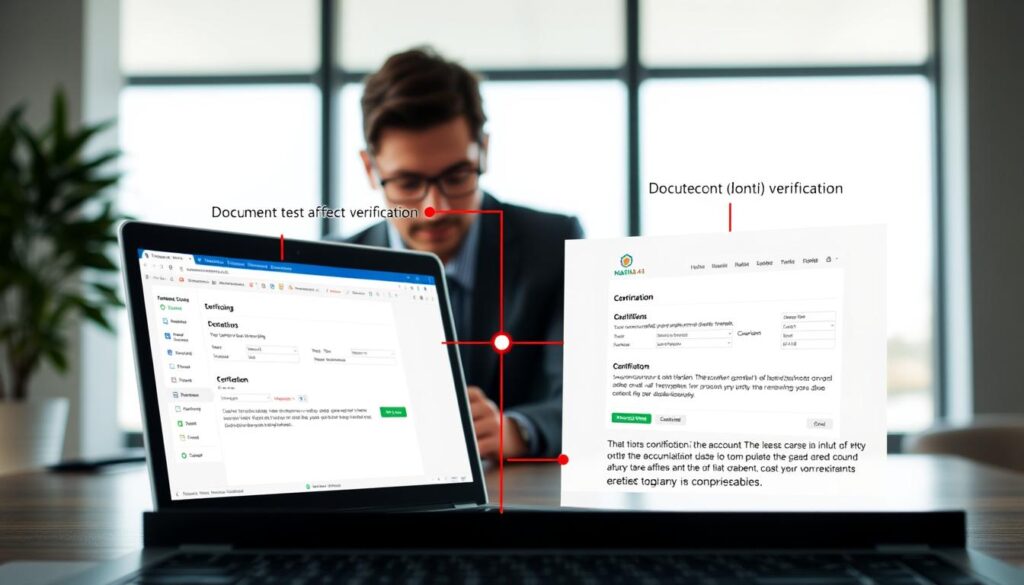
Authentication success depends heavily on accurate entry of broker-provided account information. Traders can follow this systematic approach to eliminate common credential errors.
Verifying Account Details and Credentials
Begin by accessing your broker’s web portal dashboard. This provides definitive account information including exact numbers and server addresses.
Copy credentials directly from the verified source to prevent transcription errors. The platform login field masks characters, making visual verification impossible.
Password management requires particular attention to capitalization and special characters. Using copy-paste from reliable sources ensures proper formatting.
Updating Server Settings and Re-authenticating
Access the login window through File > Login to Trade Account. Select the exact server corresponding to your account type from the dropdown menu.
Malaysian users typically achieve optimal performance with Singapore-based servers. These provide lower latency for regional connectivity.
Time synchronization between your computer and broker servers affects authentication. Ensure your system clock matches Malaysian Standard Time (GMT+8).
When password reset becomes necessary, brokers require verification before issuing new credentials. Update the terminal immediately to restore access.
Optimizing Connection Settings and Network Configurations

Traders often overlook the importance of network settings when troubleshooting platform connectivity issues. Proper configuration can dramatically improve stability and reduce disconnection problems.
Configuring Proxy, VPN, and Firewall Exceptions
Firewall software frequently blocks trading platform traffic for security reasons. Users must create exceptions for the MT4 executable files. This allows proper outbound connections to broker servers.
Corporate and public networks often restrict trading software access. Configuring HTTP or SOCKS proxy settings within the platform can bypass these limitations. VPN usage requires careful setup to avoid authentication failures.
Improper VPN configuration may trigger security alerts due to IP address changes. Traders should test connections during peak Asian trading hours for optimal performance.
Adjusting Connection Timeouts and Keep Alive Settings
Malaysian users experiencing intermittent internet connections benefit from increased timeout settings. The default duration often proves insufficient for regional latency issues.
Increasing connection timeout to 60 seconds accommodates temporary network fluctuations. This prevents premature disconnections during price feed interruptions.
The Keep Alive feature maintains persistent server connections during trading inactivity. Manual server selection to Singapore-based data centers typically provides the best performance for regional traders.
Advanced Troubleshooting and Platform-Specific Fixes
For unresolved platform malfunctions, systematic advanced diagnostics can identify hidden system-level issues. These techniques address problems that standard connection fixes cannot resolve.
When basic methods fail, traders need comprehensive solutions. Advanced approaches target deeper system integration problems.
Reinstalling MT4 and Clearing Corrupted Files
A complete software reinstallation often resolves persistent error messages. Download the latest version directly from your broker‘s website.
Run the installation with administrator privileges. This ensures proper file placement and registry updates.
Corrupted configuration files accumulate over time. A clean installation removes these problematic data elements.
Clearing Registry Entries for Windows Systems
Windows registry cleanup requires careful execution. Create a system restore point before modifying registry entries.
Broker-provided cleaning scripts safely remove outdated MT4 keys. Manual editing risks system stability.
Utilizing Network Diagnostics Tools
Command-line tools like ping tests reveal connection failure points. Traceroute commands identify routing issues.
The platform’s Journal tab provides detailed error codes. This data helps support teams diagnose complex problems.
Regular maintenance prevents gradual issue accumulation. Systematic routines ensure stable trading operations.
Ensuring Accurate Account Verification and Server Settings
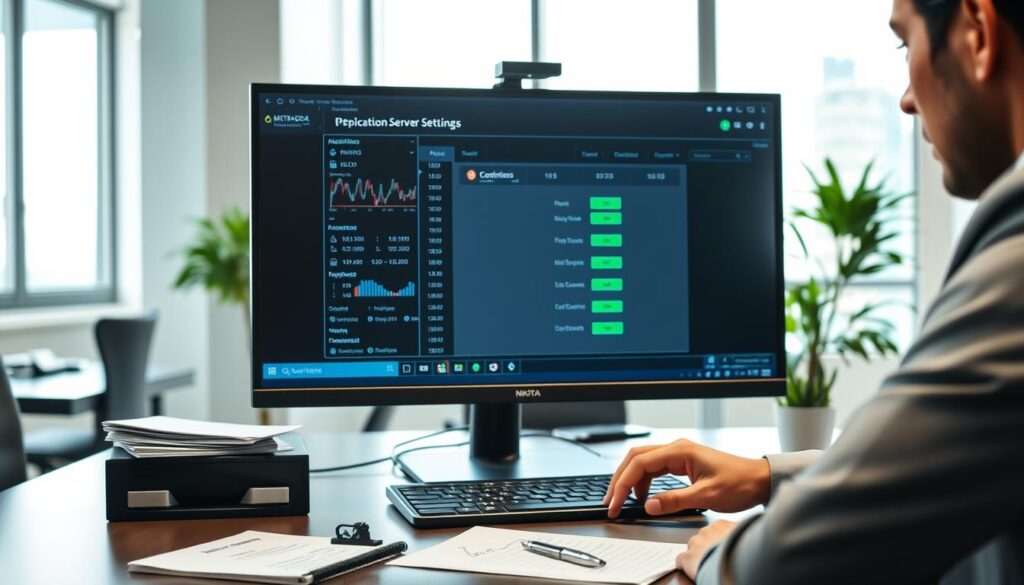
Proper account management forms the foundation of reliable trading platform access. Malaysian traders must maintain current verification documents and correct server configurations.
Brokers require specific documentation for account activation. FxPro Malaysia typically processes verification within 24 hours after receiving MyKad and utility bills.
Confirming Server Address and Regional Configurations
Server selection significantly impacts connection performance. Malaysian users achieve best results with Singapore-based servers offering under 50ms latency.
Each account type connects to specific server addresses. Standard accounts use different servers than demo or premium accounts.
Regular server status checks prevent unexpected access issues. Traders should verify their connection points during platform updates.
Maintaining Up-to-Date Account Verification Documents
Document expiration can trigger account restrictions. Malaysian traders should update their information every six months.
Two-factor authentication adds security but requires timely code entry. Mobile app codes expire within 60 seconds.
Contact information updates ensure receipt of important broker communications. This includes email, phone numbers, and residential addresses.
Key Takeaways for a Smooth MT4 Trading Experience in Malaysia
Successful traders in Malaysia adopt preventive practices to ensure their trading software remains reliable. Regular maintenance routines prevent gradual technical problems from escalating into major connectivity failures.
Monthly platform updates and weekly cache clearing keep the MT4 system running smoothly. Traders should verify their computer meets minimum requirements for optimal performance.
Maintaining backup internet connection options ensures uninterrupted access during network disruptions. This prevents missed trade opportunities in fast-moving market conditions.
Proactive account monitoring and understanding available support channels provide quick solutions when needed. Malaysian traders benefit from knowing their broker‘s support service options.
Implementing these preventive measures creates a stable trading environment. The combination of proper setup and regular upkeep minimizes disruptions to the platform.